


Process mapping and optimization in ERP projects describe how a business documents its real-world workflows, analyzes them for inefficiencies, and redesigns them so the ERP system can support a cleaner, faster, and more scalable operation. It’s the foundation that prevents costly rework, misaligned configurations, and failed implementations.
Process mapping is the structured practice of visually documenting how work actually flows through your organization-step by step, across people, systems, and decisions.
In ERP initiatives, process mapping becomes the blueprint that ensures the system is designed around real operational needs-not assumptions.
Process optimization is the improvement phase that follows mapping. Once the current state is documented, the organization evaluates how to streamline, automate, or redesign workflows before they are built into the ERP.
Optimization prevents the ERP from becoming an expensive replica of outdated workflows.
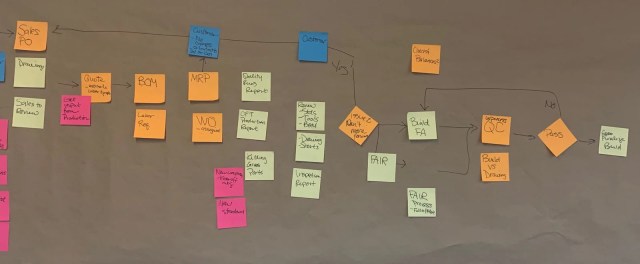
ERP failures often stem from skipping process mapping and optimization. Organizations assume the software alone will fix problems, but without understanding their processes, they end up with:
Mapping and optimization ensure the ERP supports the business—not the other way around.